Free
$0
- 1 file
- Search as you type, narrow-down chips, Similar items
- Tap to copy, favourites and recent items
- Saved setup, and Replace with a newer copy
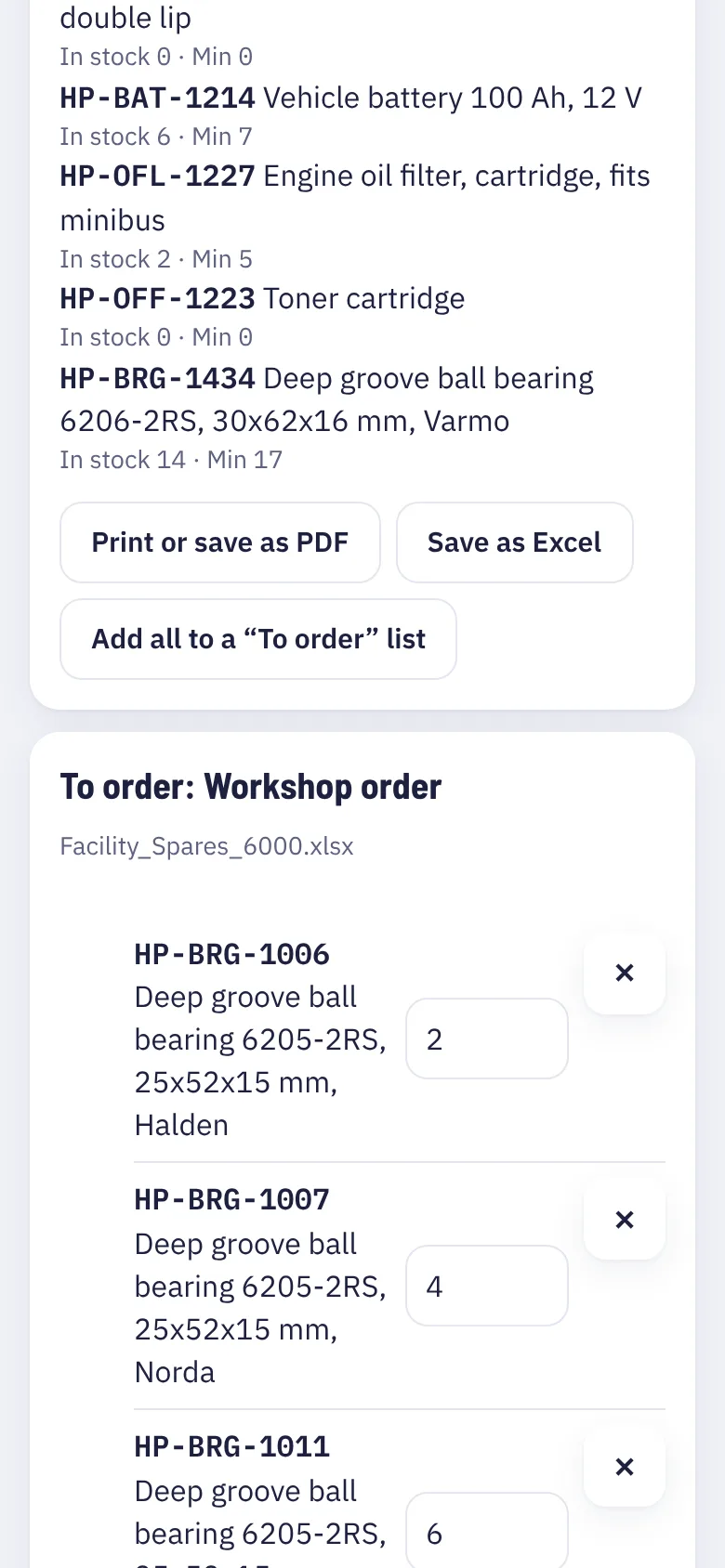
- Share a work list on WhatsApp
 RowFind
Open the web app
RowFind
Open the web app
Open the Excel list you already have. Type a few letters of a part, a name or a code. RowFind shows the right row, with its quantity and where it is kept.
Pick the file from your phone or computer: .xlsx, .xls, .csv or .ods. Nothing to change in it first.
RowFind reads every tab, finds the heading row and guesses the code, the name, the quantity and the place. You check it once.
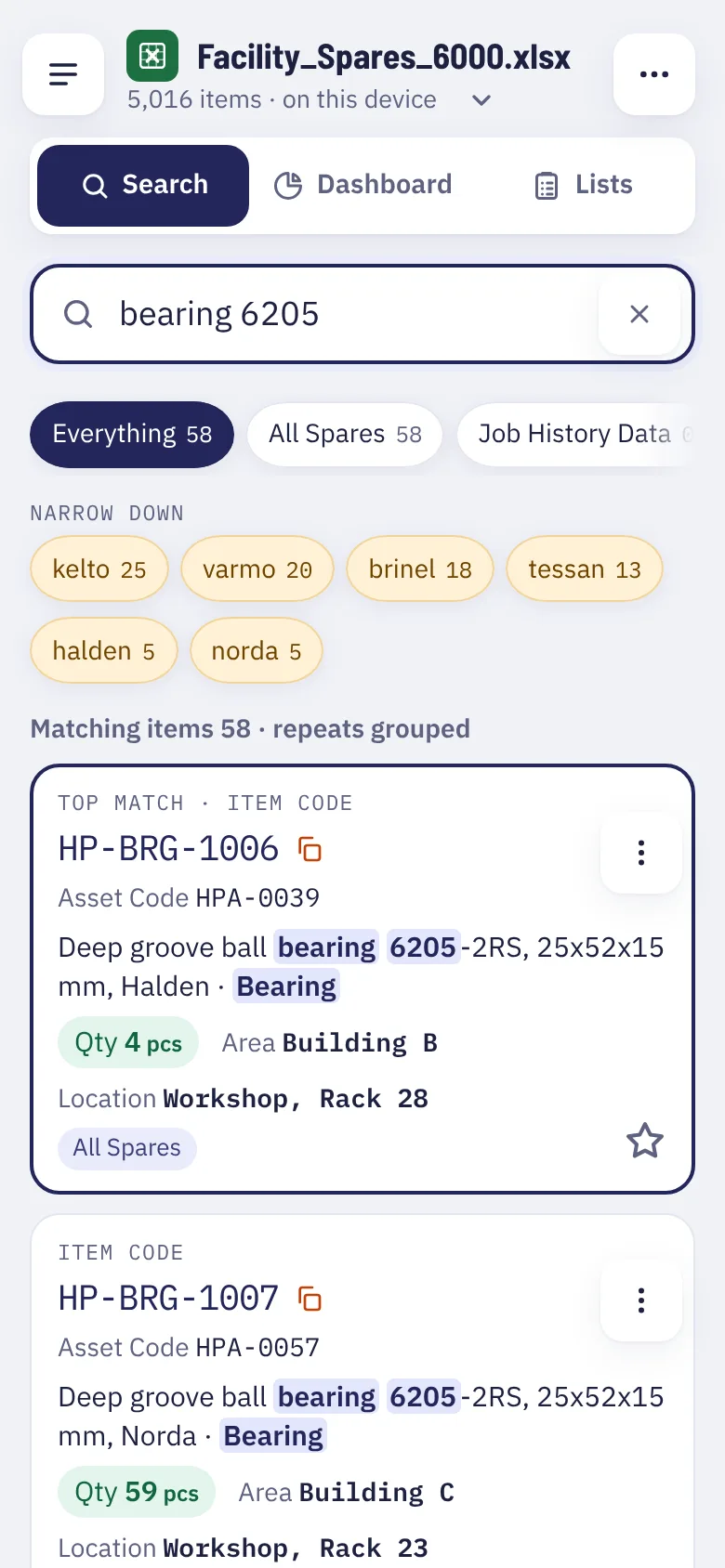
Type a few letters. Results show as you type, with the code to copy, the quantity, and the shelf or area.
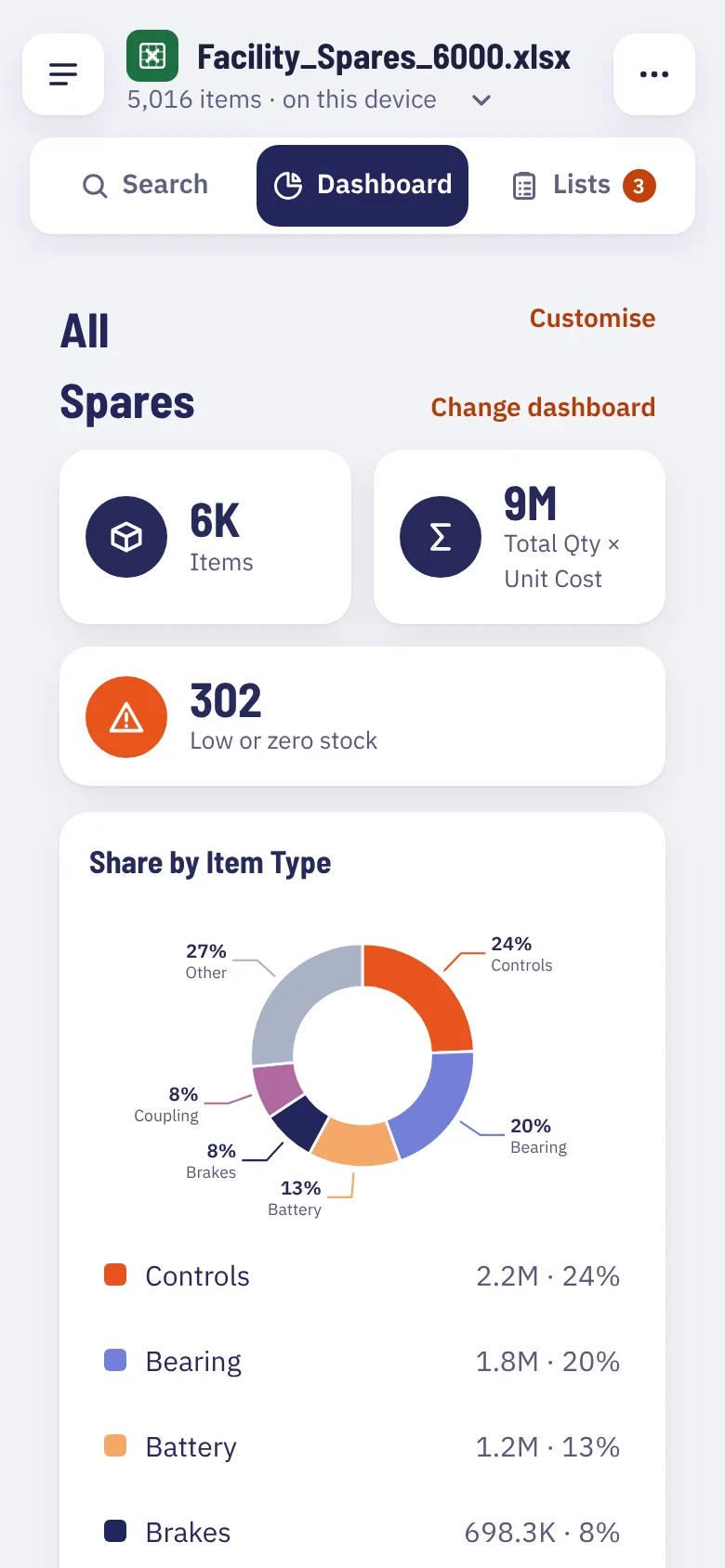
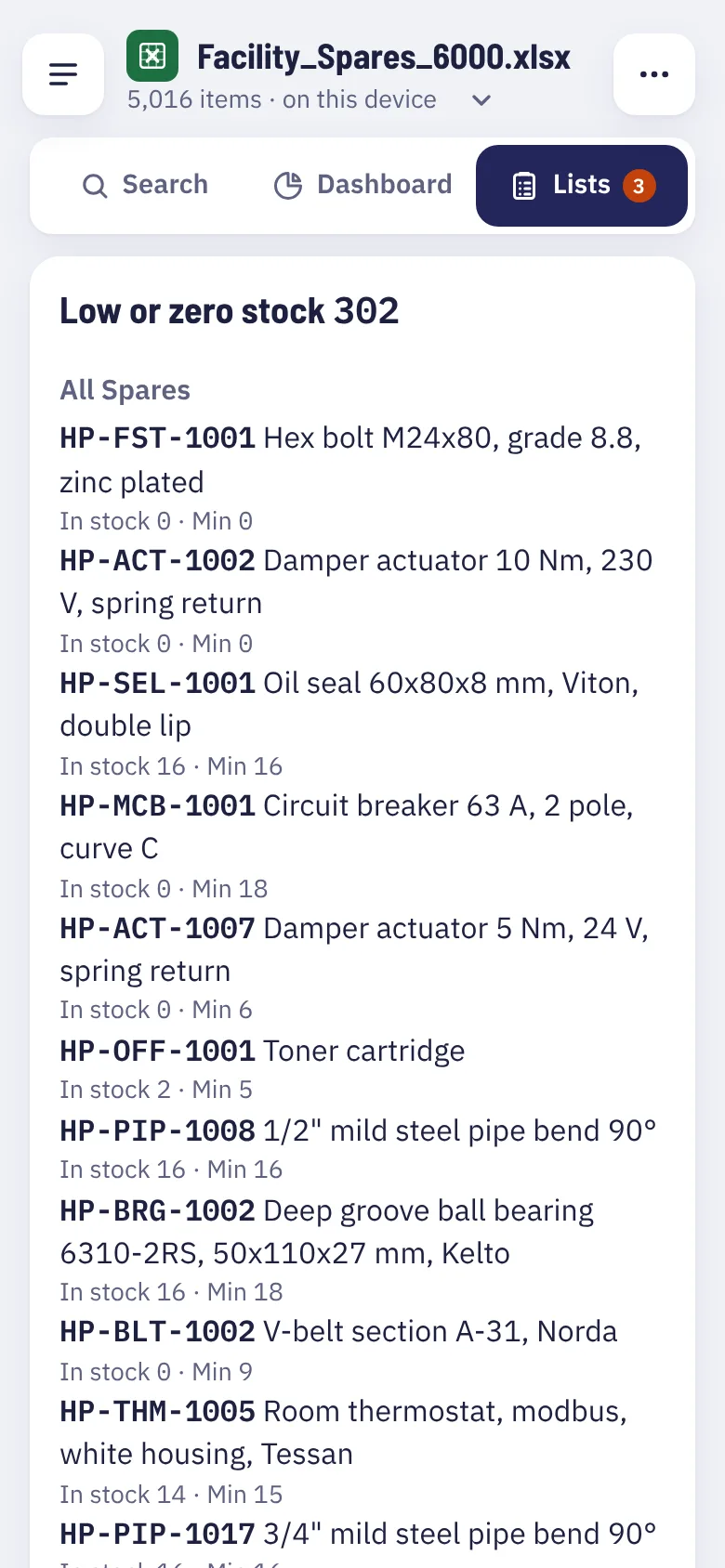
Real screens from the app, using a made-up spare-parts list.
If it is in Excel, you can search it. People use RowFind for:
| Who | They search for |
|---|---|
| Stores and spare parts | bearing 6205, oil seal 45 |
| Maintenance teams | pump PMP-B2-01, last service date |
| Offices | invoice 4500012, customer VAT |
| Shops | price of a 20 mm tap |
| Contact lists | Ravi mobile, Mechanical dept |
RowFind reads your Excel on your phone or computer. It is not uploaded anywhere. We never see your items, prices or names.
Read the privacy policyCharts made from your list in a few taps: stock by area, items running low, top 10 by value. Load a newer file and they update.
Search any Excel for free. Pro adds the extras for the lists you run every day.
$0
$24.99 a year
Pro is not on sale yet. Tell us you want it.
The website sells the yearly plan. Monthly is in the Android app.
After you pay you get a code. Type it in RowFind › Settings. It works offline.
Teams: 5+ people: about $30 a seat a year, with invoice. Ask about team packs · [email protected]
No. Open it as it is. RowFind finds the heading row and the columns by itself, and you can correct its guess.
No. The file stays on your device. Only anonymous counts are sent in the test version, like how many searches a day, and you can turn those off.
Yes. After the app has opened once, it works offline, and so does your saved file.
Open the newer file with “Replace file”. Your setup is kept and you see what changed.
Excel (.xlsx and .xls), CSV and LibreOffice (.ods). Lists with 50,000 rows and more are fine.
Searching your Excel is free. Pro adds extras for a yearly price: see Pricing above.
It opens in your browser. Nothing to install.
Open the web app